Cross the edge
Move your pointer across a touching display edge. Your keyboard and mouse follow to the next machine.

Across the desk

One keyboard. One mouse. Your Mac and Linux desktop, working together. Bring an app window to the screen where you need it.
 Pointer and transfer overlays are illustrative
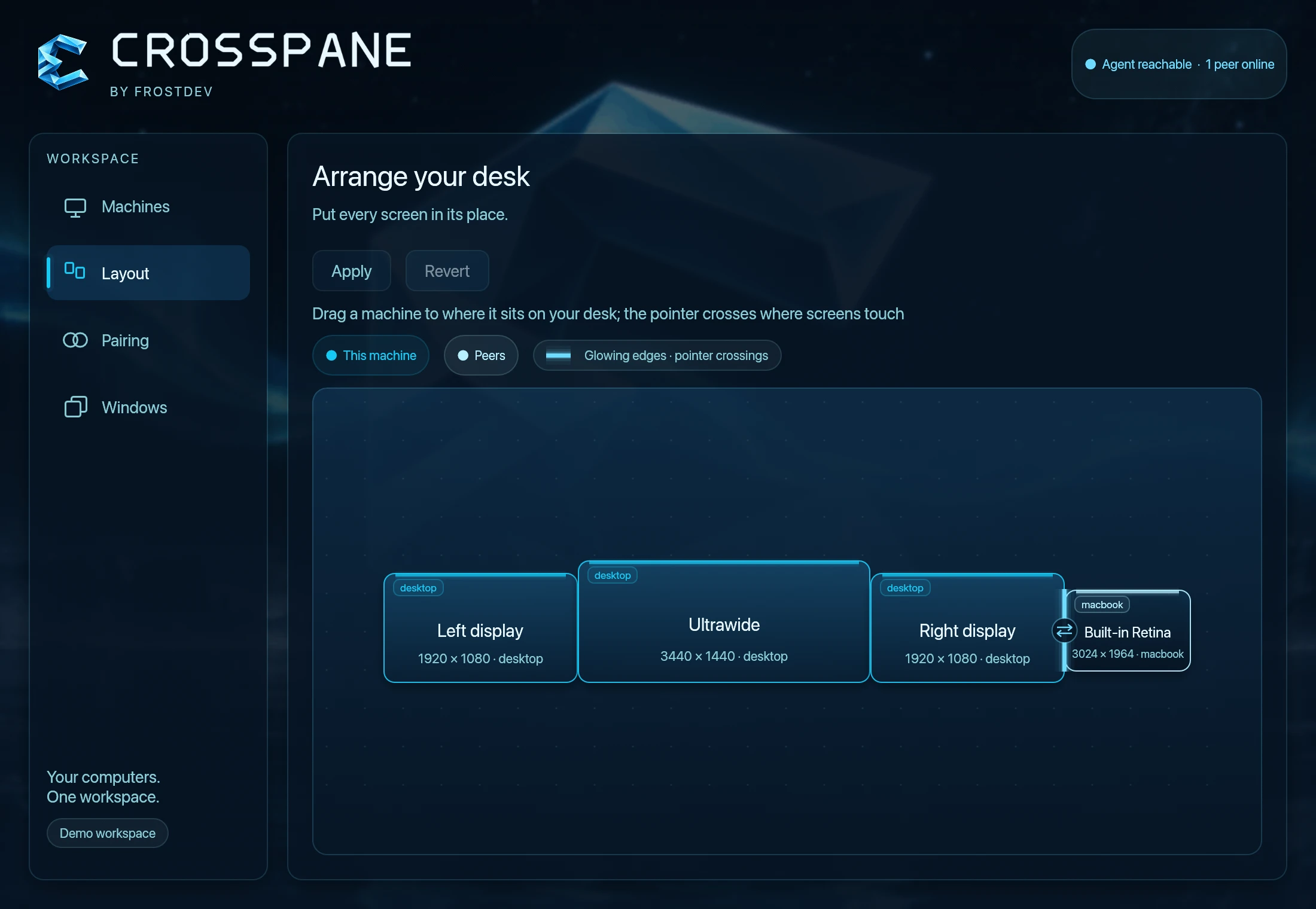
 Place each machine where it sits on your desk. Apply the layout. The pointer crosses where displays of different machines touch.
Keep your flow
Keep each computer’s apps and environment. Choose where you work with them.
Move your pointer across a touching display edge. Your keyboard and mouse follow to the next machine.
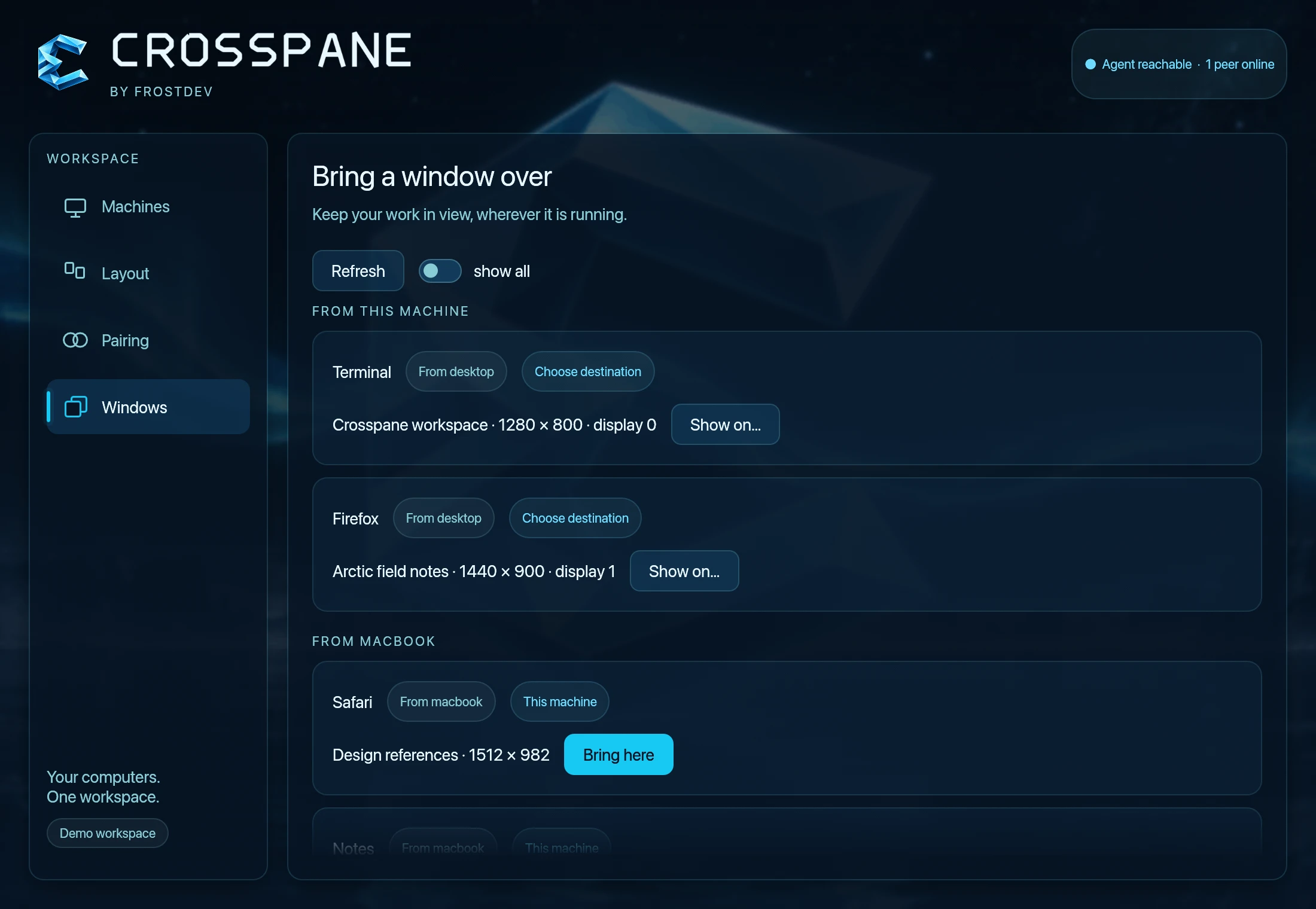
Project a single application window onto another computer. The app keeps running on its original machine.
Arrange displays in Settings to match your desk. Choose modifier remaps and optional text or image clipboard sharing.
You choose the connection
Compare a pairing code on both machines. Then choose what each peer can control, share, browse or present.
Explore the setup guidePeer-to-peer over your LAN, direct Ethernet or Thunderbolt networking, with authenticated connections using TLS 1.3.
Clipboard sharing starts off in both directions. Enable only the permissions you want each paired machine to have.
Release input from the tray or menu bar. Use the panic command to end every session and disarm edge crossing.
Start with two machines
Crosspane is in early development. The running guide covers source builds, signing, permissions and platform-specific limits.
Current platform scope
Apple Silicon with macOS 26+ is the Mac target. Hyprland is the current Linux backend.
Windows has an early preview; GNOME and KDE are planned. Mac window projection mirrors the source by default.
Get connected
Install on both machines, compare the pairing code, then place your displays in Settings and enable input control.
Use the window picker to bring an app over. The source machine must grant permission to browse its windows.
More room for your work
Explore the current build, or follow what comes next.
Set up your two-computer desk