Frostdev field guides
From first step
to a working flow.
Good tools get better when you know your way around. Pick a project, follow a real task, and finish with a result you can check.
Find your starting point
Setup · Workflow · Troubleshooting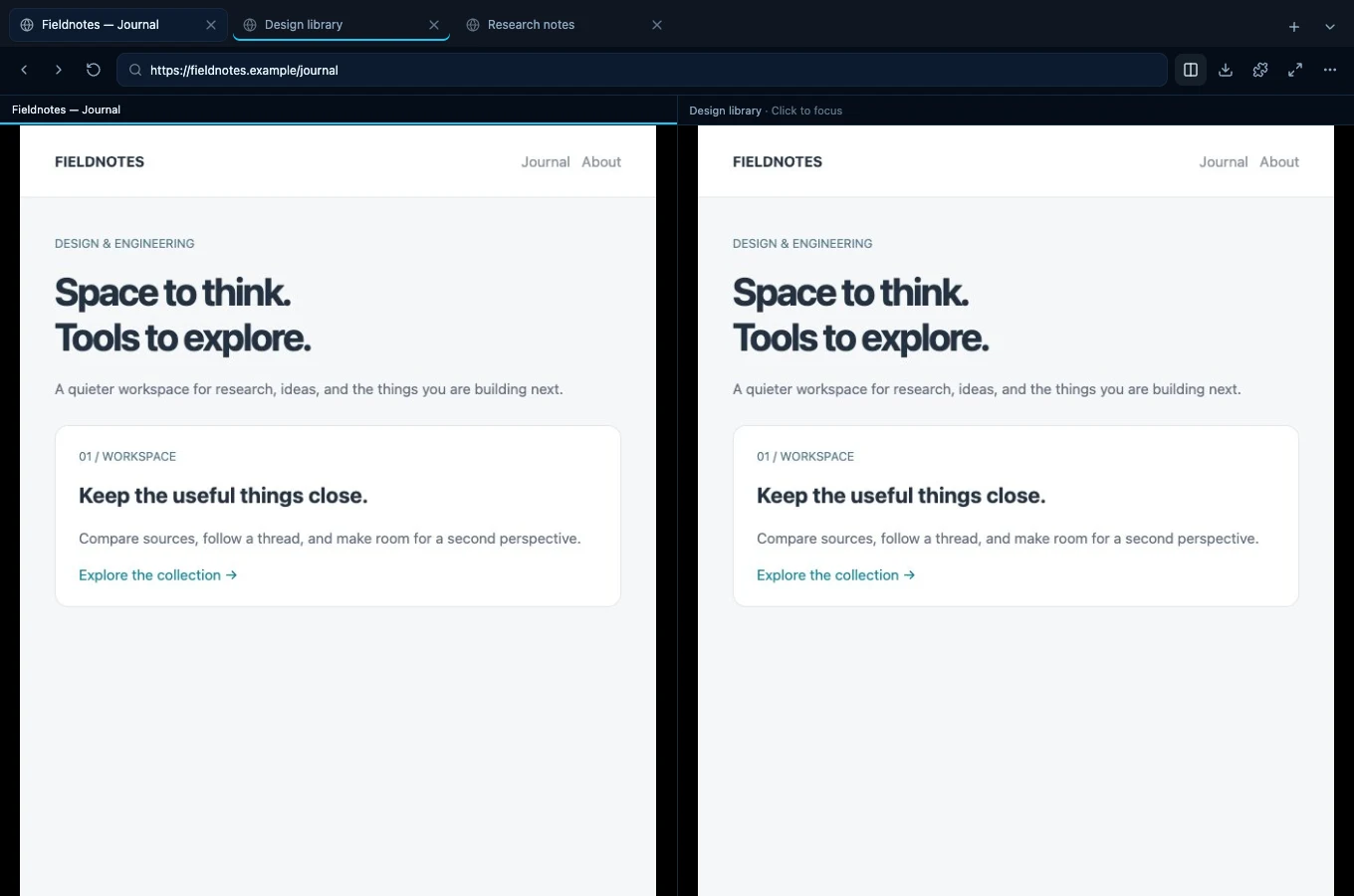 Rimeward
Your project. One connected workspace.
Bring your folders, Editor, Terminal and Rime together. Make a small change, follow where it runs, and review the result.
- Workspaces
- Wards & Leylines
- Reviewing changes
 Crosspane
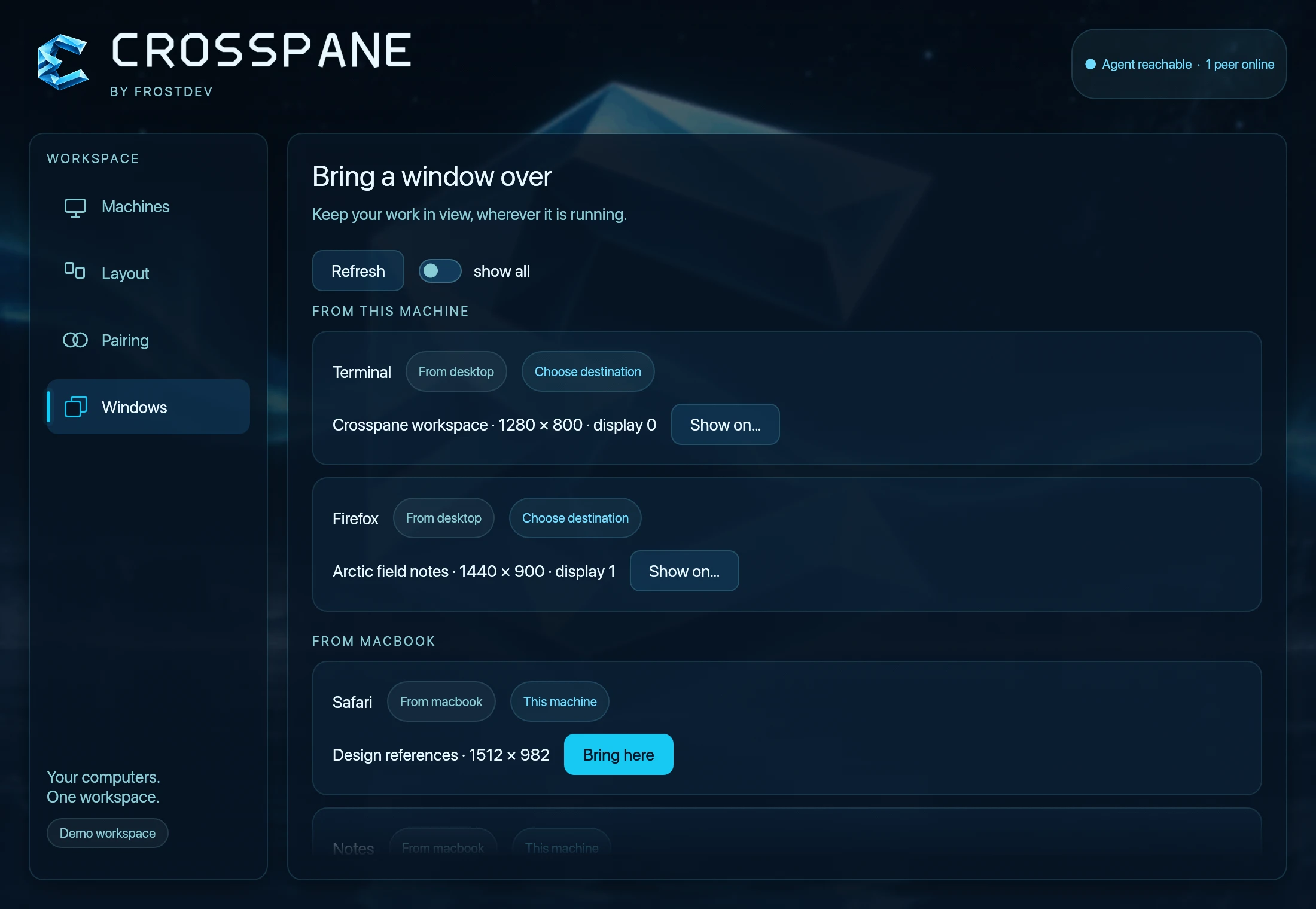
Two computers. One flowing desk.
Pair your devices, arrange their edges, and move naturally between them. Set permissions and learn how to take control back.
- Pairing
- Display layout
- Input & projection
 Rimewire
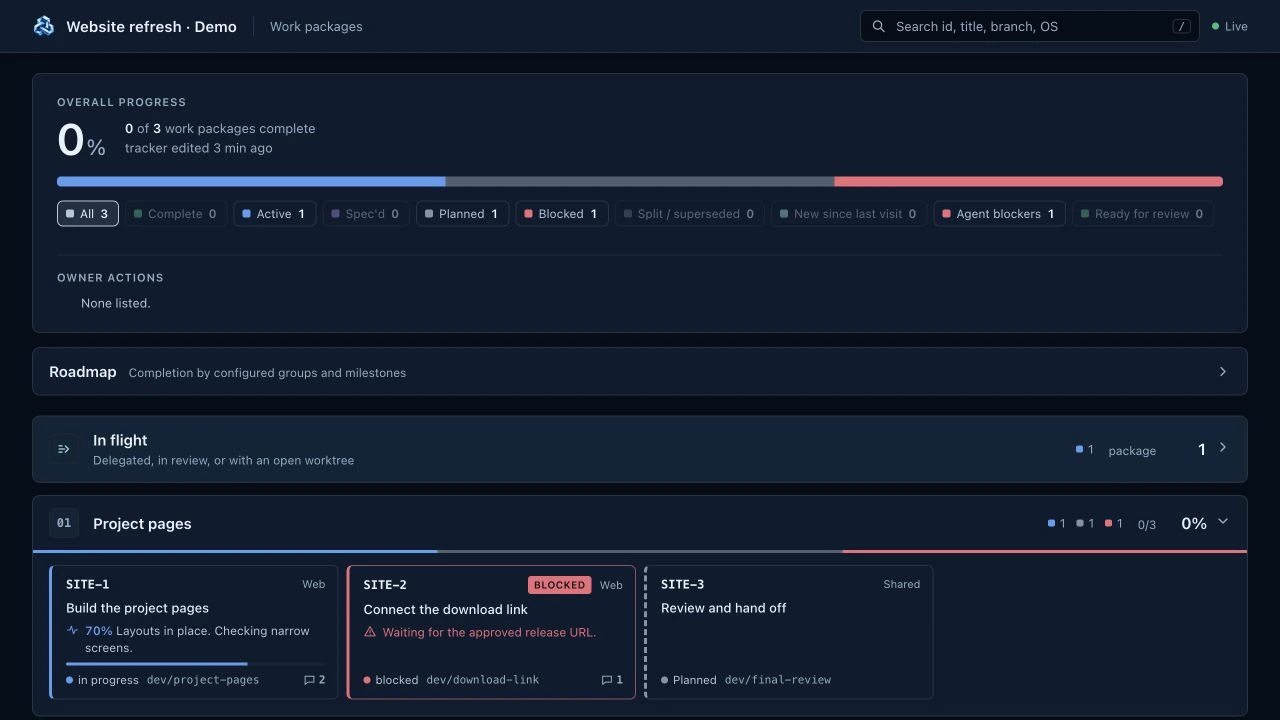
Give the next agent a clear starting point.
Turn a tracker into a living project board. Define useful work packages, post evidence, and hand off work without losing the thread.
- Project boards
- Work packages
- Agent handoffs
 Frostsim
Make your next upgrade an informed one.
Import a character, run your first simulation, and compare gear against a useful baseline. Understand what the numbers actually say.
- Character import
- Simulation
- Gear comparisons
 Loothing
Keep raid loot moving, together.
Connect your guild, prepare a roster and wishlists, publish a raid, and record the loot. Follow the optional addon workflow when you need it.
- Raid setup
- Wishlists
- Awards & history
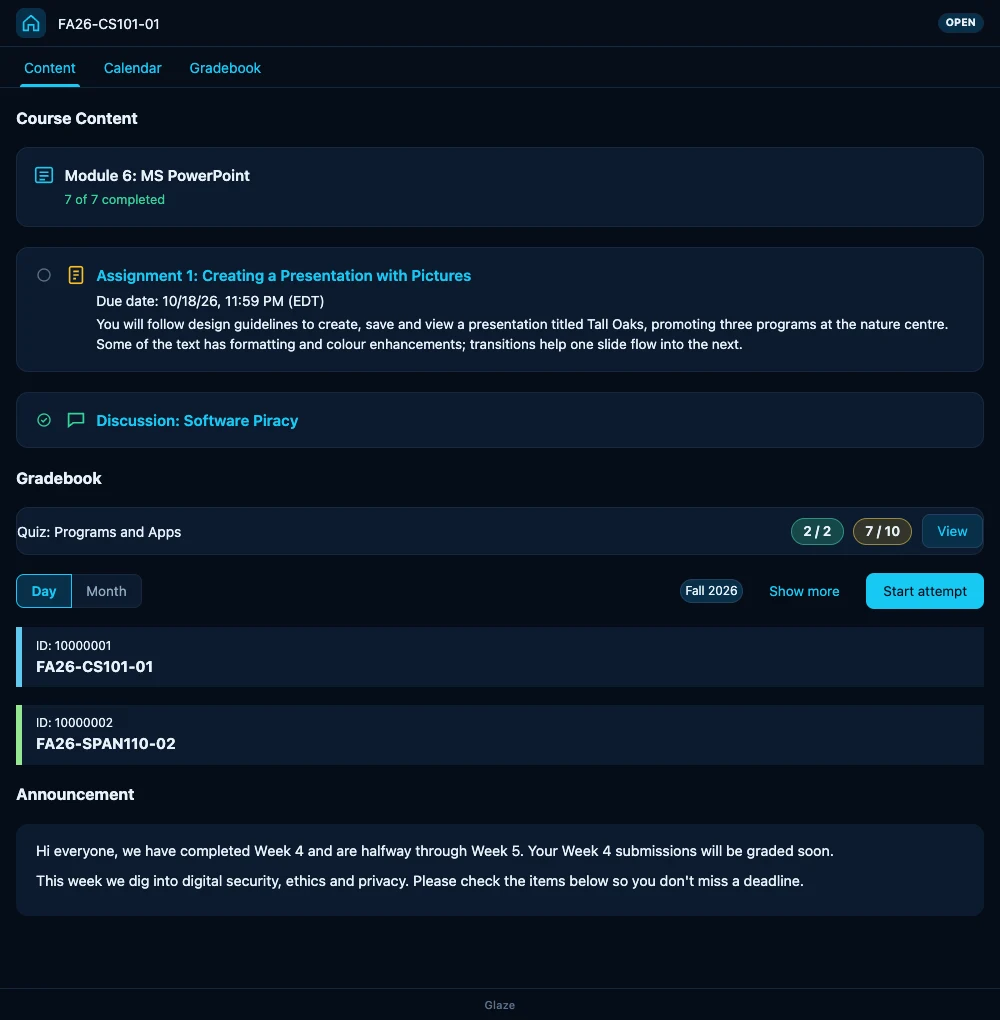 Glaze
Make Blackboard, Canvas and Moodle yours in Safari.
Install the Mac app, shape glass and frost, choose a pet, write with Glaze Writer and set up your school workspace.
- Safari setup
- Surfaces & pets
- Writer & Documents
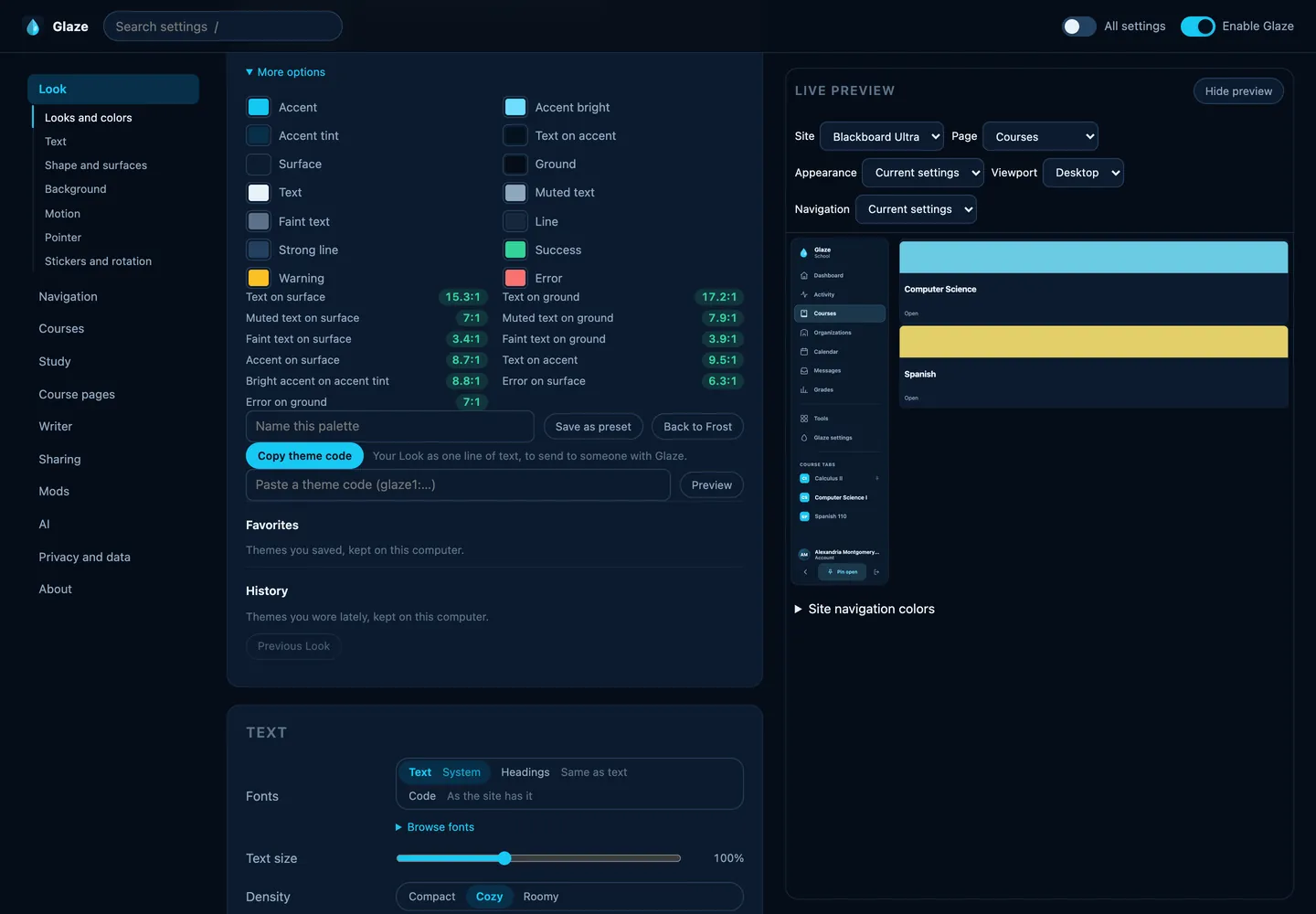 Glaze
Make your school site yours in Chrome or Firefox.
Install Glaze from Chrome Web Store or Firefox Add-ons, then shape surfaces, choose a pet, write with Glaze Writer and arrange your workspace.
- Chrome & Firefox
- Surfaces & pets
- Writer & Documents
Glaze reference
Also on GitHub's wiki- AgentsConnect AI apps on your computer to Glaze.
- InstallInstall Glaze in Chrome, Edge or Brave, Firefox, Safari on a Mac, or on iPhone and iPad.
- FeaturesEverything Glaze does on Blackboard Ultra, Canvas and Moodle, site by site.
- Privacy summaryWhat Glaze keeps on your device, and the few requests it makes and where they go.
- Glaze modsMake a Glaze mod: the manifest, permissions, slots and the glaze object your code talks to.
- Widgets made of blocksWidgets with no code: the blocks format Glaze draws itself on every browser.
- Run a Glaze share relayRun your own relay for Glaze share sessions: Node or Docker, TLS, storage, limits and backups.
- DevelopmentHow Glaze is put together, and how to build, test, package and publish it.
- Firefox for Android testingTest Glaze in Firefox for Android on a local emulator.
Kiln wiki
78 pages at /kiln/wiki- Install KilnInstall Kiln for Enshrouded, import downloaded mod archives, play with or without mods, play a copy of the game Steam doesn't know, Kiln's Discord in the launcher, and antivirus help.
- Run a serverInstall, update and run dedicated servers with Kiln, from the launcher or kilnctl on Linux.
- Your first modMake a mod from a template, build it into a test server, change it while the server runs, and test it.
- Data packsChange items, recipes, loot and drops with JSON in your mod. They apply at world load and come off with the mod.
- Code modsThe Mod class, the tick thread, events, configs, commands, permissions, saved data, other mods, what a call does when it cannot work, and what waits for a game test.
- What works todayWhat Kiln does in the current build, what is on but not yet confirmed in a real game, what's being built and what isn't, as of November 2026.
A good guide keeps growing
Something unclear?
These guides follow the projects’ documentation. Check the linked references if your installed version looks different, or tell us which step needs a closer look.